The short version
A TikTok earnings estimate is only as useful as its period, eligible-view count and RPM assumption. Keep all three visible.
Start with the simple RPM formula
RPM means revenue per thousand views. It turns a view count into a scenario: eligible views ÷ 1,000 × assumed RPM. If you are modelling 2,500,000 eligible views at an RPM of $0.60, the estimate is 2,500 × $0.60, or $1,500 for that period.
That arithmetic is deliberately simple. The difficult part is choosing which views count and what RPM to test. Treat the result as a planning range, not a report of money deposited into someone’s account.
- Choose the time period first: one month, one year or a custom window.
- Use views from that same period; do not multiply a lifetime total by a monthly RPM.
- Write down the RPM assumption so another person can reproduce the estimate.
Separate eligible views from total profile views
A public profile’s total views are not the same as paid views. Program rules, audience location, originality, retention and other eligibility conditions can affect what is rewarded. In SpotNiche’s profile estimate, video duration and any per-video RPM override also affect the calculation; the interface labels the result as an estimate.
When the provider returns only part of a creator’s video history, the visible sample can understate the total period. Check the coverage note before comparing two profiles, and use the same sample window when you can.
Build a range instead of pretending there is one answer
Run a low, middle and high RPM scenario against the same eligible view count. For 2.5 million views, RPMs of $0.30, $0.60 and $1.00 would produce $750, $1,500 and $2,500. The spread is useful: it shows how sensitive the estimate is to the assumption.
Creator income can also include sponsorships, affiliate commissions, merchandise, subscriptions and other work. Public view data cannot reveal those contracts. Keep them outside the RPM result unless you have separate evidence.
Use the estimate to ask a better next question
A revenue scenario is most useful beside the creator’s posting cadence, recent video performance and audience signals. If one account appears to have a much higher estimate, check whether that comes from a larger eligible sample, a different RPM setting or a genuinely different publishing pattern.
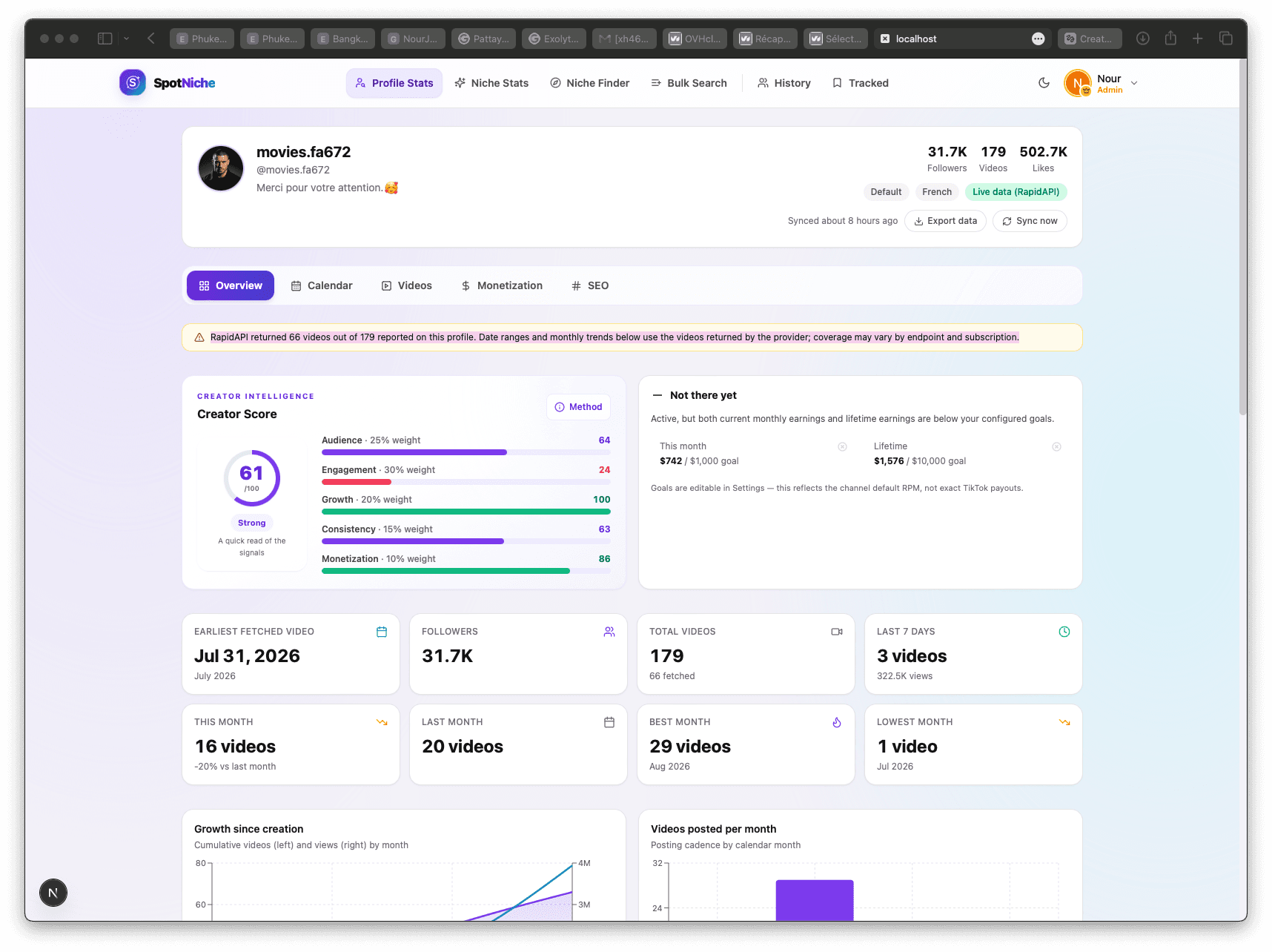
SpotNiche puts the RPM setting beside monthly and lifetime views so you can compare periods and update the assumption. Try the free revenue calculator first, then open a profile when you want the estimate alongside creator history and niche research.
Put this into practice
Compare the estimate with the creator behind it.
Try the free calculator with your own assumptions. When you want to compare profile history, monthly views and niche signals together, continue in SpotNiche.